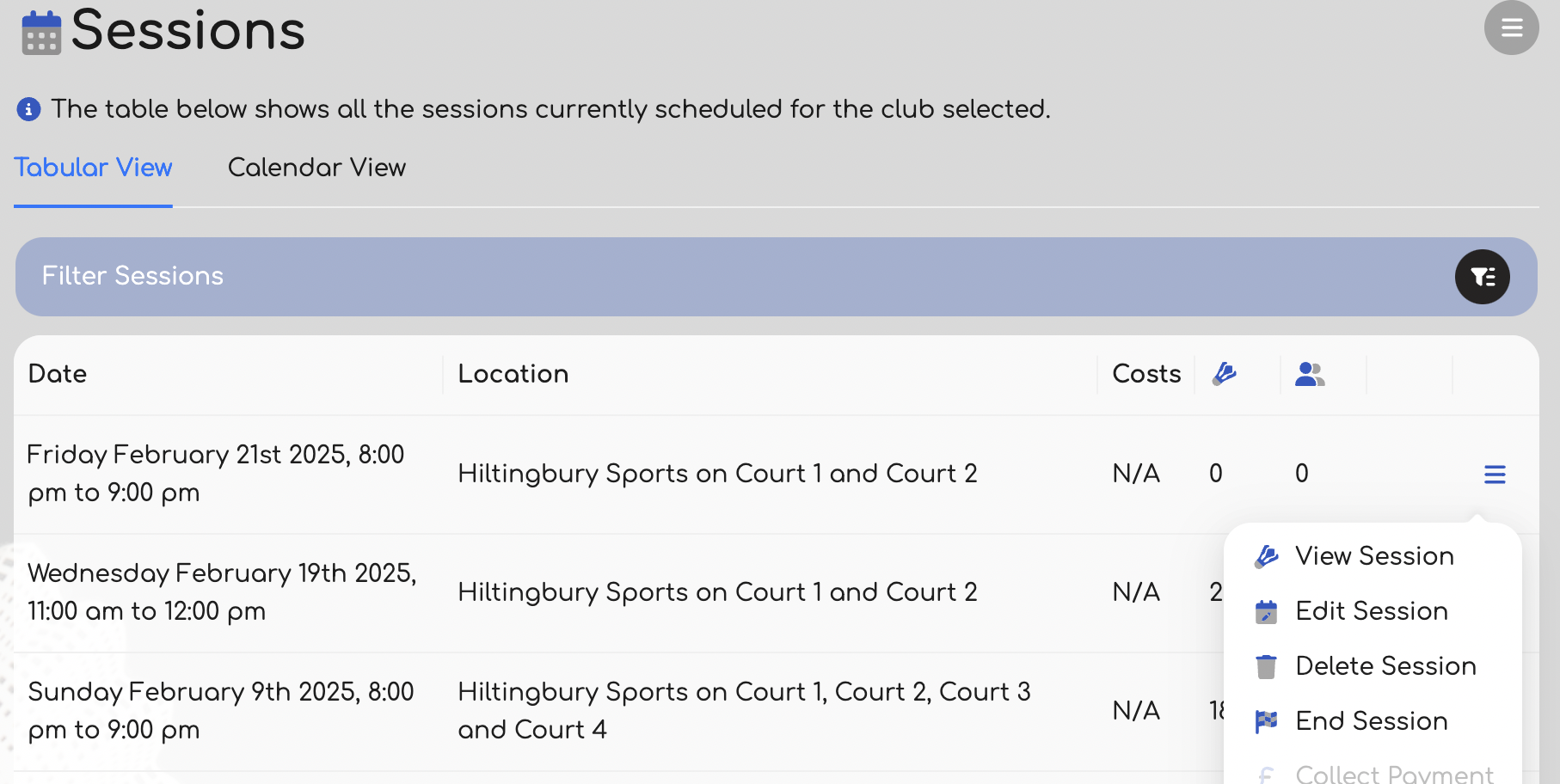
If you need to edit a session for any reason, then you can do that in one of two ways. The first option is using the pop up menu associated with the session on the Sessions page.
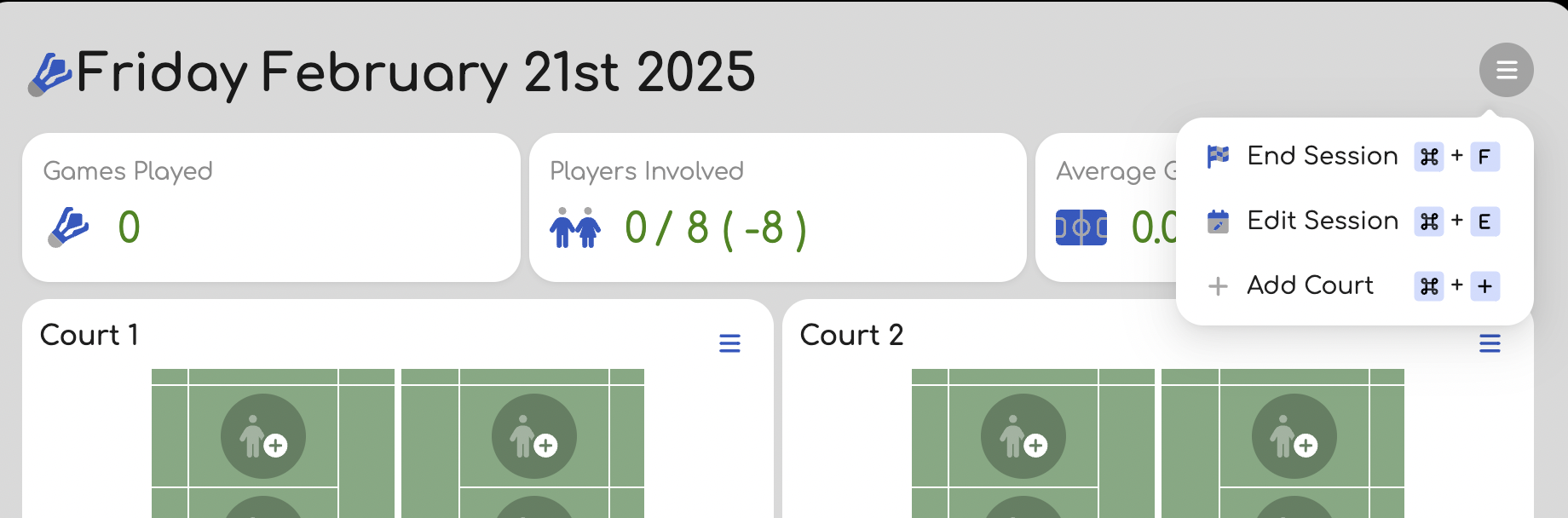
The second option is from the page menu, when viewing the session you wish to edit.
Note that in either case you will not be able to edit the session if it has already started, or if there are games played within the session.
Was this article helpful?
That’s Great!
Thank you for your feedback
Sorry! We couldn't be helpful
Thank you for your feedback
Feedback sent
We appreciate your effort and will try to fix the article