Clicking on your name from the bottom left of the screen will take you to your profile page. One of the tabs on this page, the 'General Information' tab will show your profile information which will include a Skill Level.
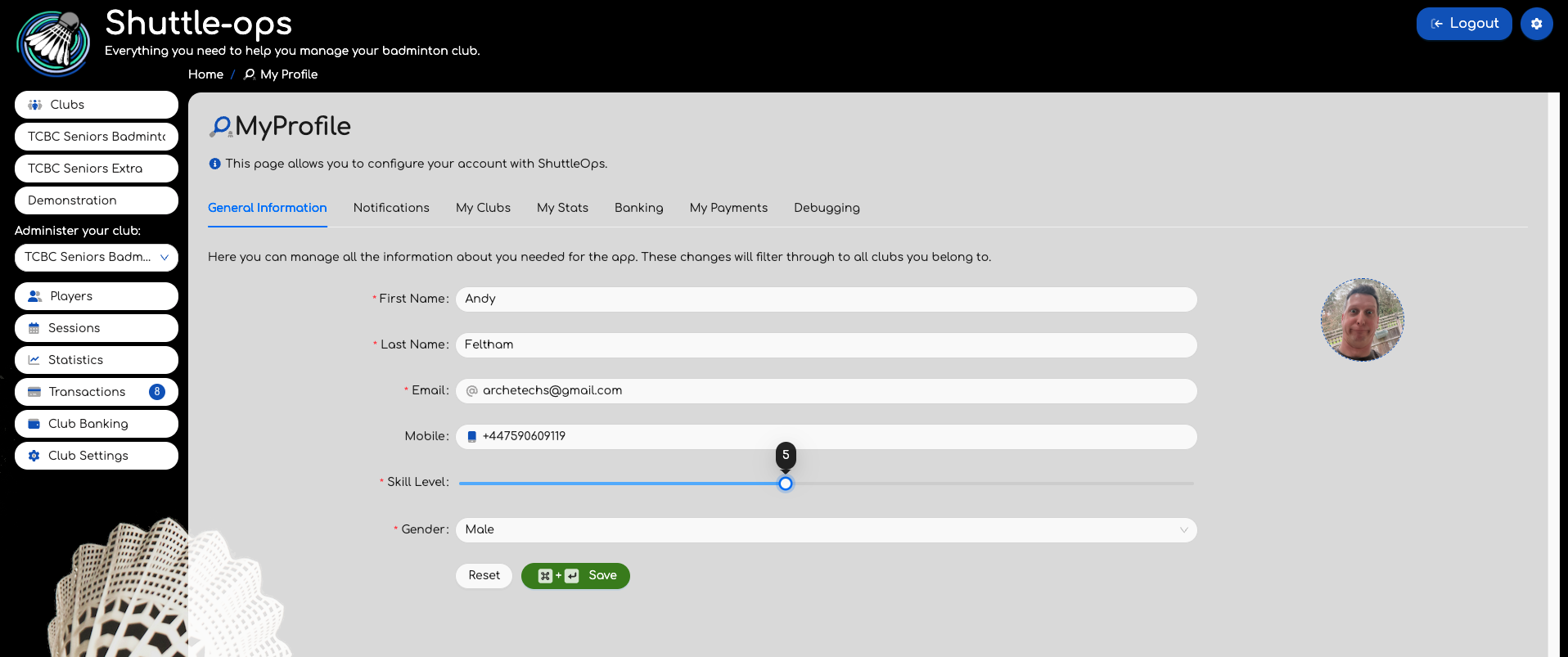
This skill level is a number between 1 and 10 and is a notional indication of your ability on court. ShuttleOps uses this value if a session administrator selects to find players of a similar ability for a game.
Its up to you what you set this to however you will find that setting it to a fair and representative value will give you better games on court. As an indication we would suggest that 1 is a very new player to the sport, 3 to 5 is someone who is playing regularly and developing, 6 to 8 might indicate a player is developing into competitive games while 8 and above would be for league, county or national players.
This setting is applied to all the clubs that this player belongs to and so its important its a reflection of the players ability, not the players relative ability to other players in the club.
Was this article helpful?
That’s Great!
Thank you for your feedback
Sorry! We couldn't be helpful
Thank you for your feedback
Feedback sent
We appreciate your effort and will try to fix the article