If you are new to a club, or indeed if you've been at a club a long time there will always be situations where you meet a new face at a club. At ShuttleOps we don't want people to miss out on playing a game simply because they are not a recognised 'face' amongst the club members. As a result every member has the option of adding their own profile photo to their account.
Adding a photo is easy, simply click on your name in the bottom left hand corner once logged in and you'll be taken to your profile page.
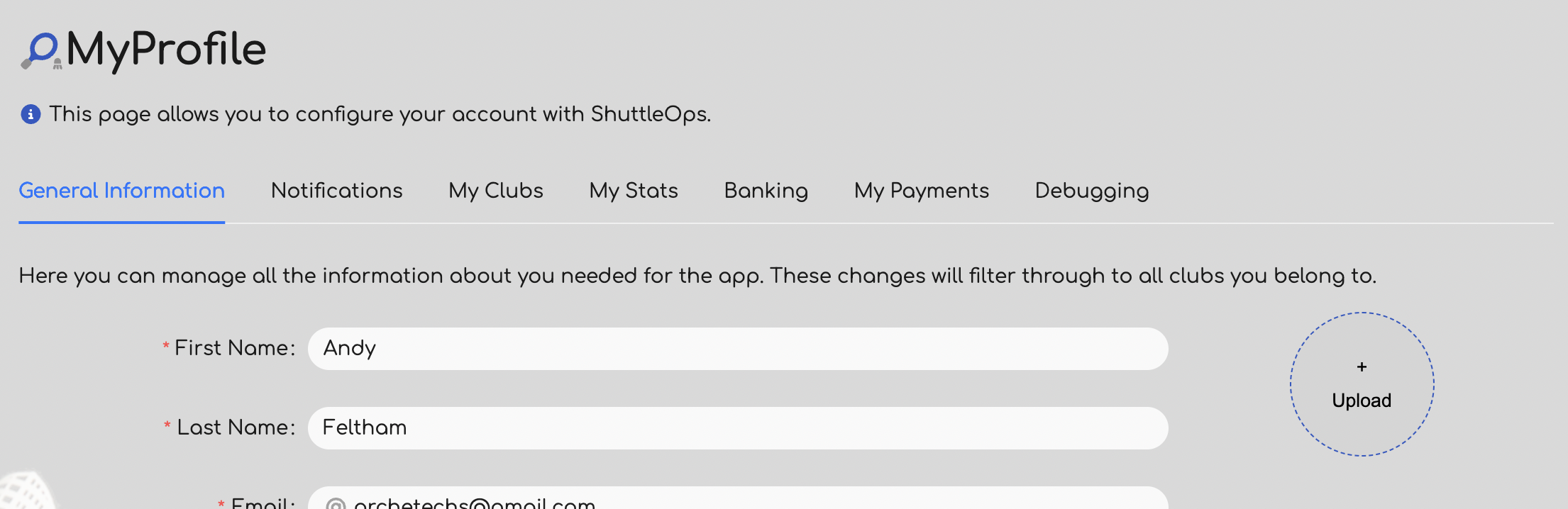
By default your profile won't have a photo. Click on the round 'Upload' button on the right hand side and you'll be presented with a dialog where you can select the photo to use for your avatar. Selecting the file will automatically upload the photo and that photo will then be used for all the clubs you belong to. This photo is then used when listing players either when managing your club, or when looking at session information.
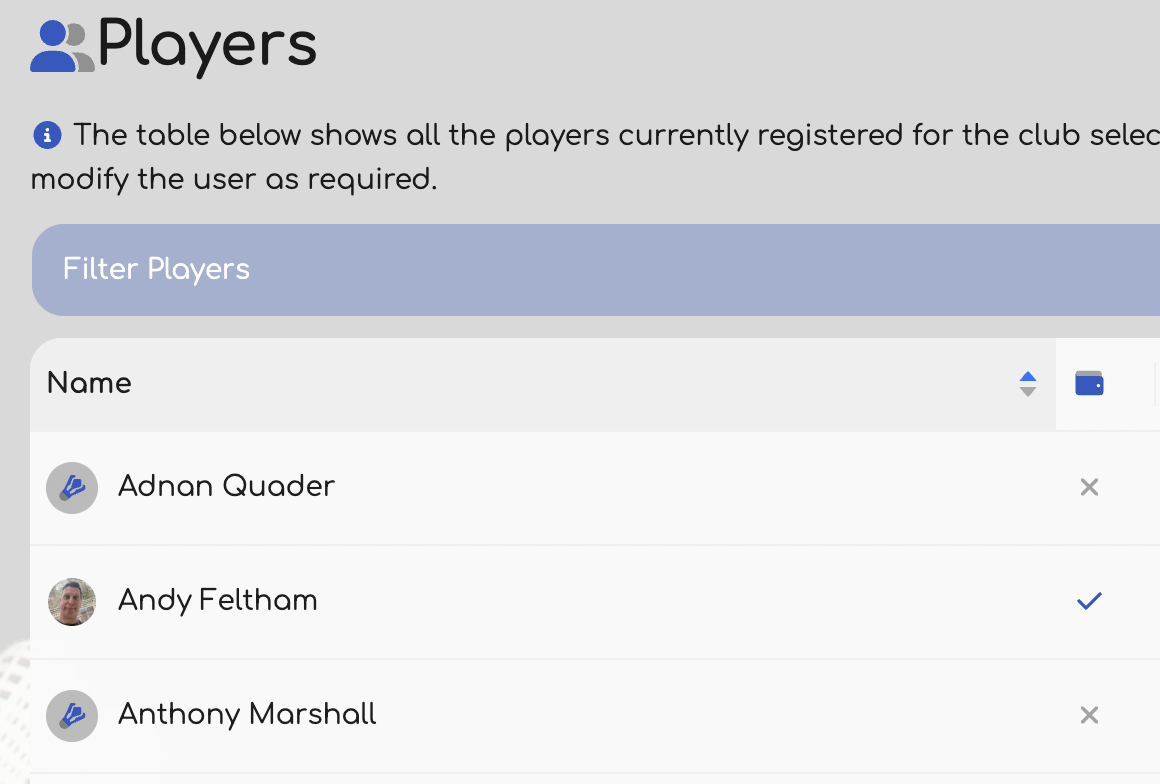
Clicking on the profile photo will enlarge the image and allow you to put a face to a name. :)
Was this article helpful?
That’s Great!
Thank you for your feedback
Sorry! We couldn't be helpful
Thank you for your feedback
Feedback sent
We appreciate your effort and will try to fix the article