Adding players to your club is easy and gives you flexibility for different types of players—whether they’re dedicated club members, casual players, or just testing out the platform. Here’s a quick guide to managing player memberships and participation in your club.
Players Finding and Joining Your Club
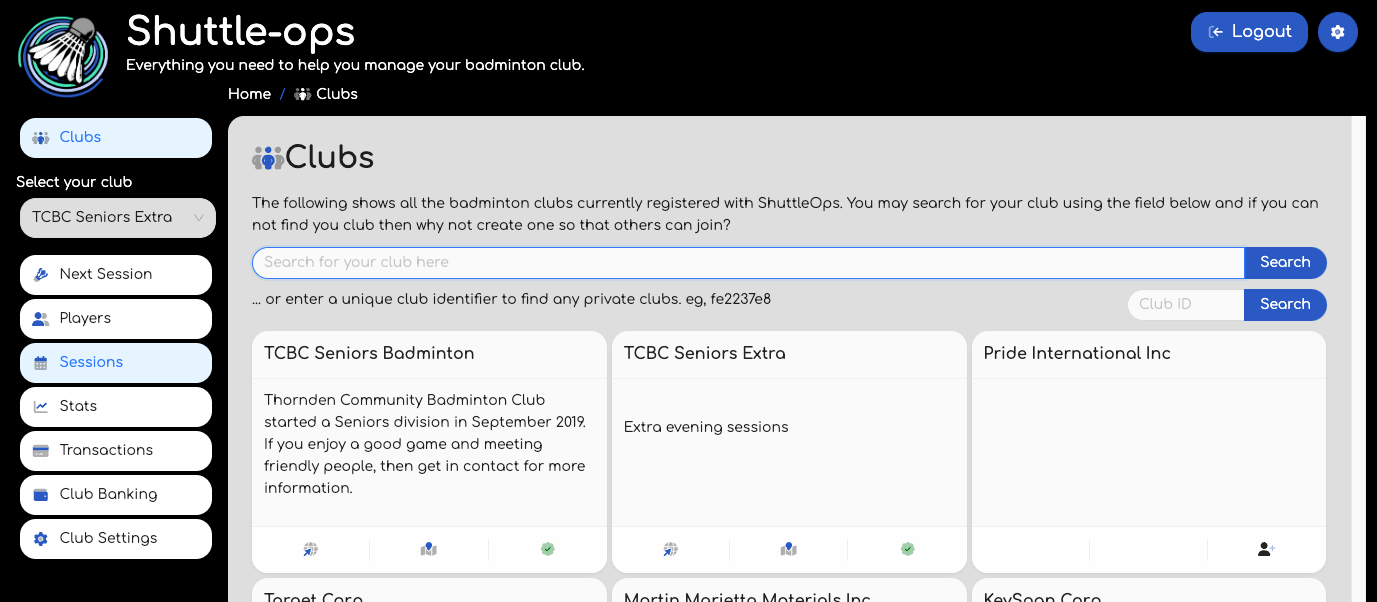
When players register on ShuttleOps, they start out without a club association. Players can then search for clubs on the Clubs page, where they can find and request to join yours.
- Public Clubs: Players can simply request to join.
- Private Clubs: If your club is private, players will need a unique club code to request to join. You can share this code with players you’d like to invite (see our article on generating club codes!).
Once a player requests to join, an email will be sent to the club owner or admin, who can then approve or deny the request. Players are notified of the decision via email, making the whole process seamless.
If a player has made a request to join your club, you'll see a badge on the Club Settings page indicating the number of pending requests, and you'll be able to take action on those requests from that page.
Adding Players Manually
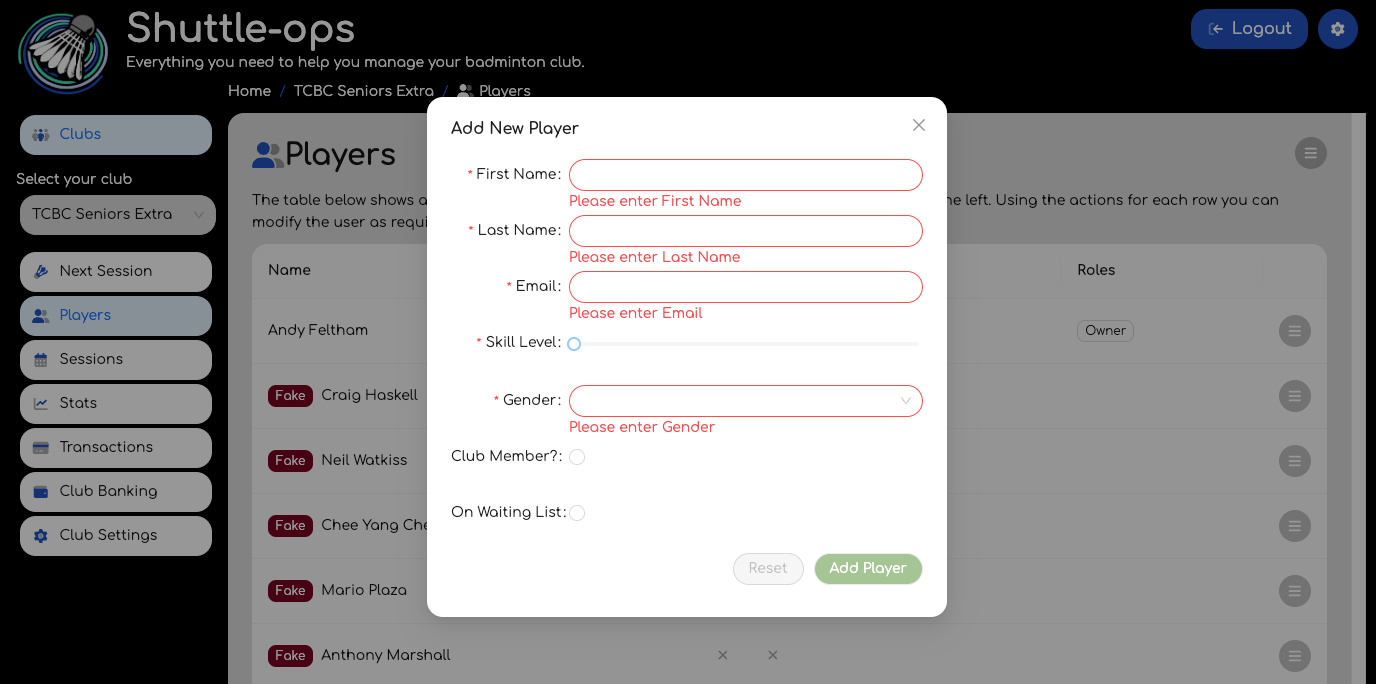
Admins and club owners can also add players manually to manage attendance and payments without needing the player to be fully registered on ShuttleOps. Simply create a player profile with a name and email address to start tracking their participation.
If the player later decides to register on ShuttleOps with the same email, their new user account will automatically sync with the existing profile, making it easy for them to jump in.
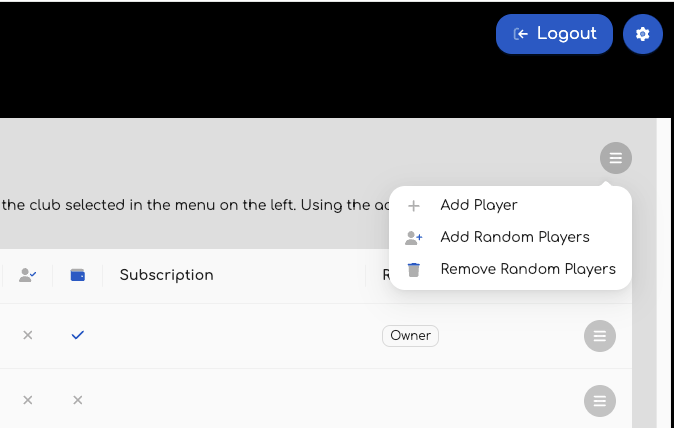
Try Adding Fake Players
Just experimenting with ShuttleOps? You can add up to 10 fake players with randomised names and email addresses. These players will act like real users, simulating payments and attendance so you can get a feel for how it all works.
And that’s it! Whether players find and join your club themselves or you add them manually, ShuttleOps makes it easy to keep your club roster organised. In our next guide, we’ll cover how to end sessions and manage payments, so stay tuned! ?
Was this article helpful?
That’s Great!
Thank you for your feedback
Sorry! We couldn't be helpful
Thank you for your feedback
Feedback sent
We appreciate your effort and will try to fix the article