As part of the setup process, the users you create will receive a one time welcome email, introducing them to the platform. This should hopefully reaffirm a number of the things you've already mentioned to them but also helps if you've got new members who've joined after the initial communication went out.
Invitation Email
Once you've added a player, they will receive an email that looks like the example below.
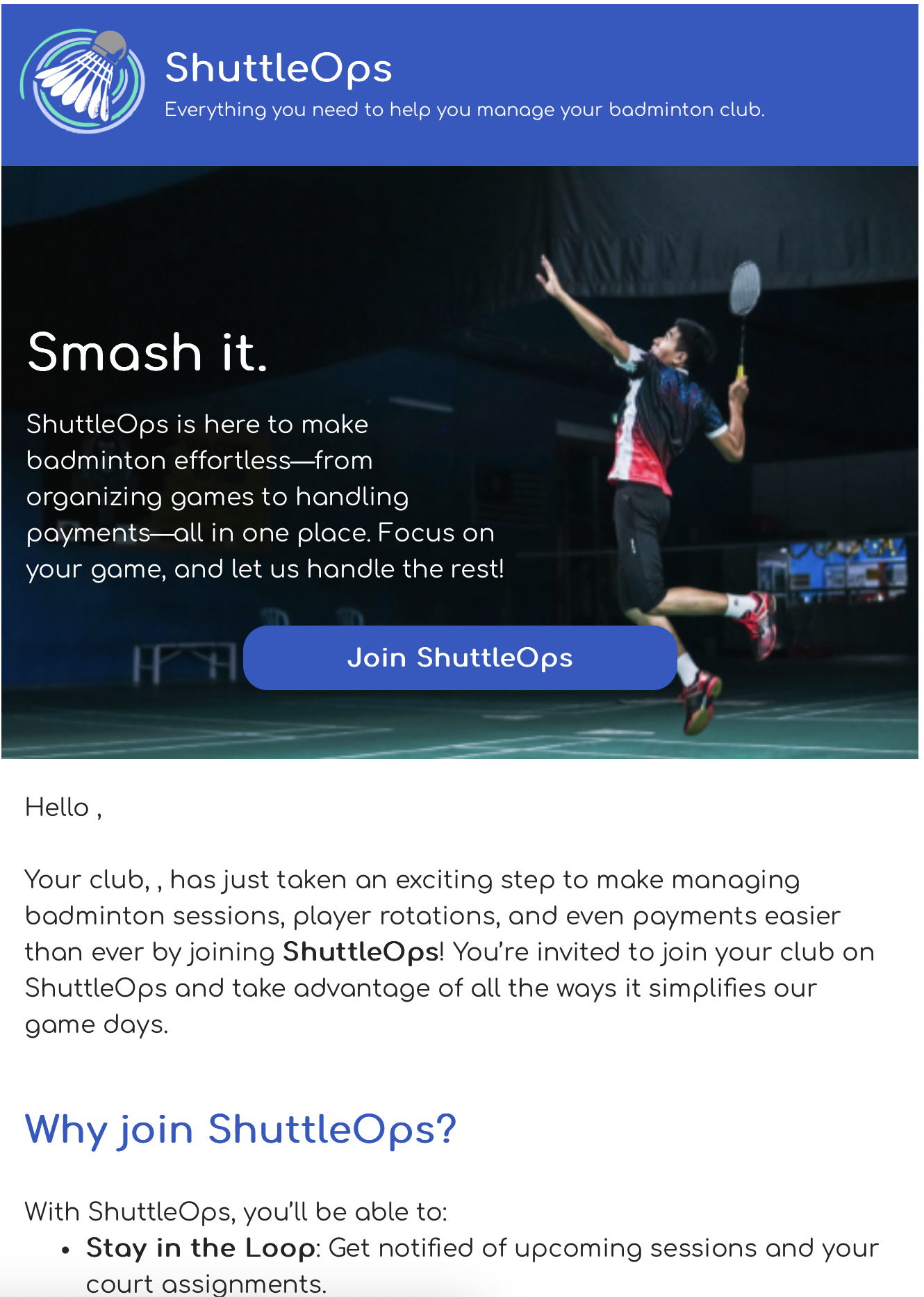
Please note that if when creating your club your marked the club as private then your users will not be able to find the club using the search. You will need to share with them the unique club code, or use the QR code to help them find the club and request to join.
Registration email
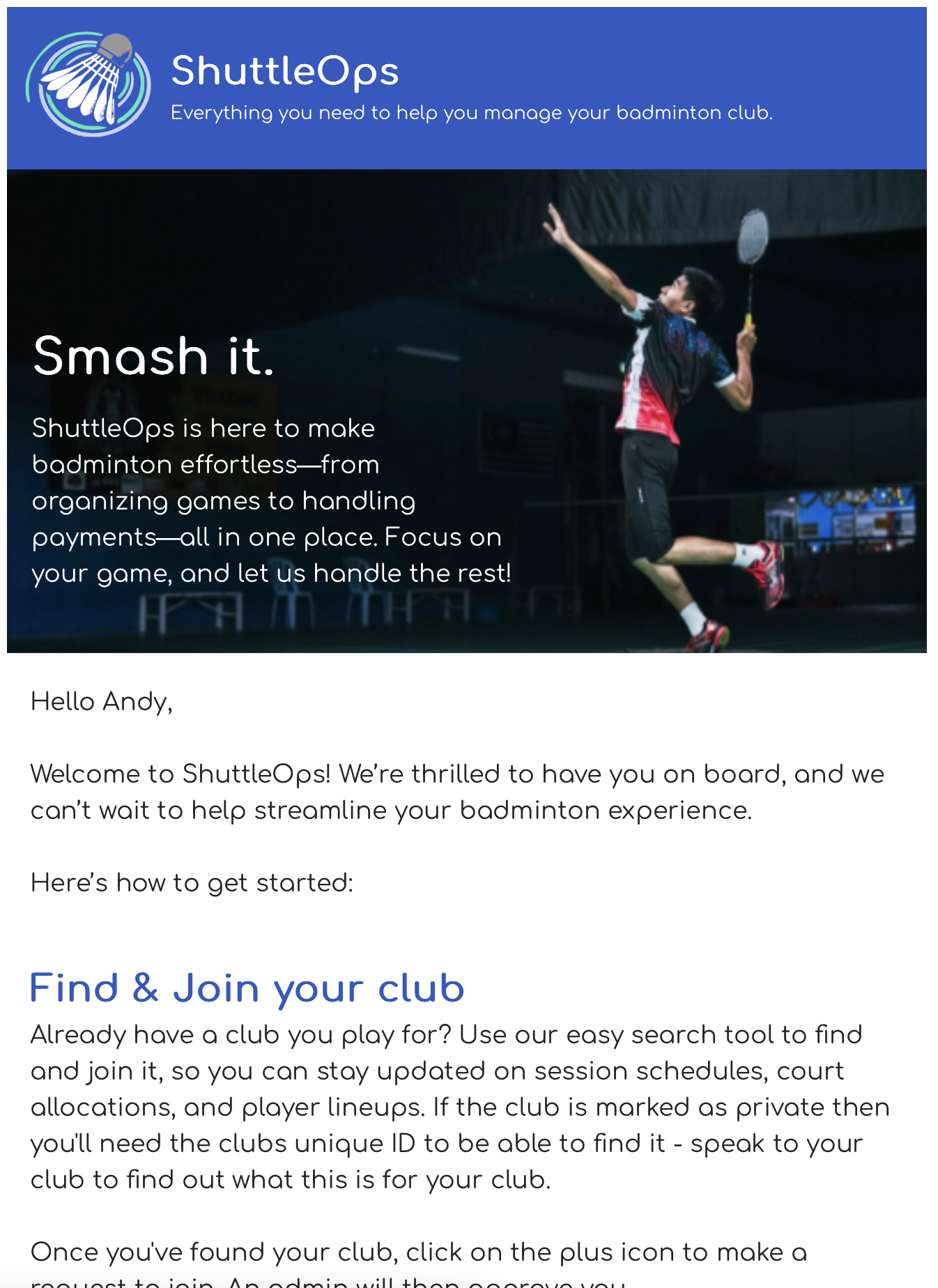
Following successfully registering with the platform the player will get a welcome email. To help ensure familiarity with the process, an example of the welcome email is shown below.
Was this article helpful?
That’s Great!
Thank you for your feedback
Sorry! We couldn't be helpful
Thank you for your feedback
Feedback sent
We appreciate your effort and will try to fix the article